
Agency website and custom CMS
Techwine Solutions
The website of my software agency, backed by a custom Laravel and Livewire CMS for services, case studies, SEO and leads.
- Role
- Data model, backend and CMS development
- Platforms
- Web, Backend & API
- Status
- Live
- Timeline
- 2026
- Client
- Techwine Solutions (my own company)
- Web application
- Business system
Overview
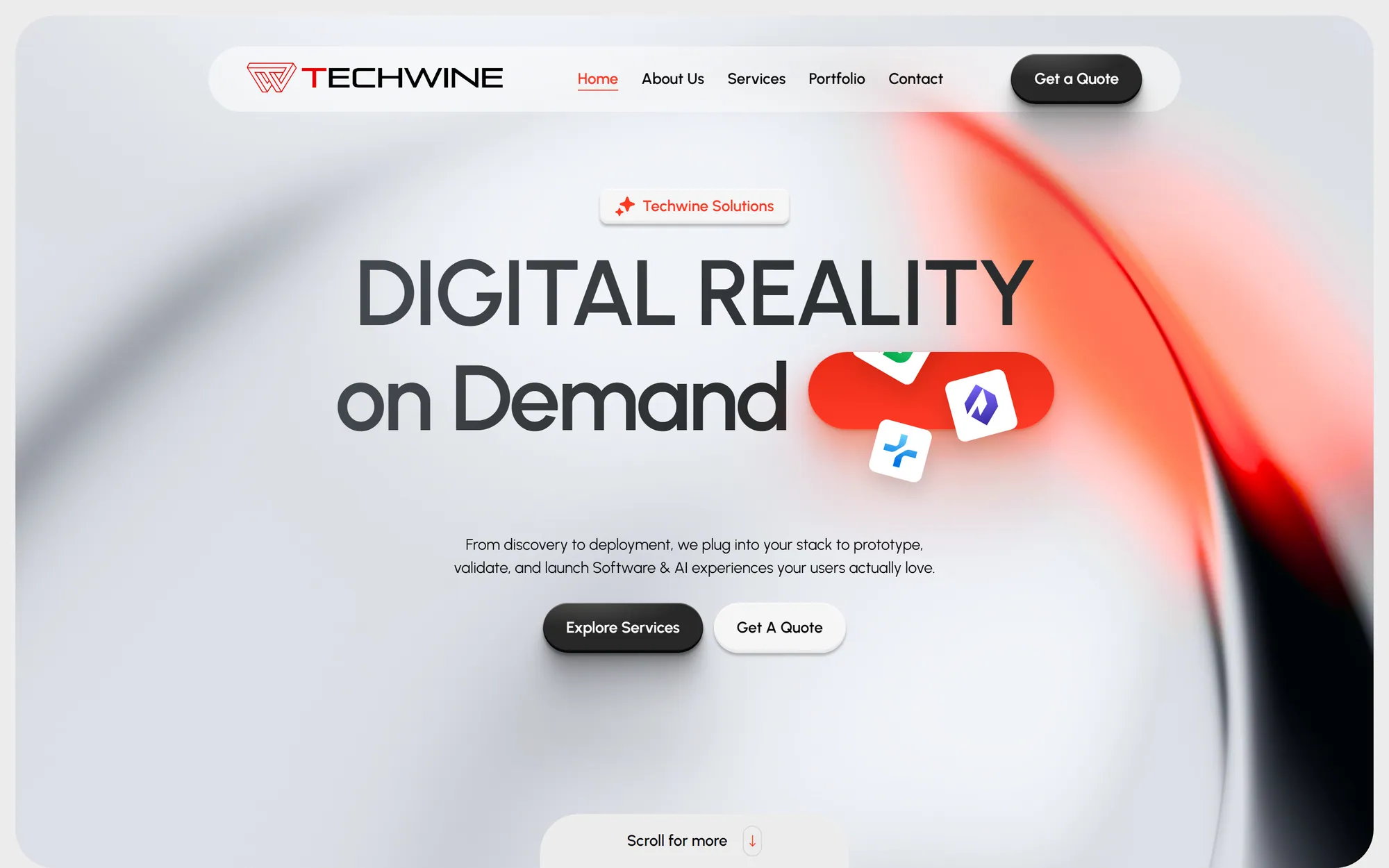
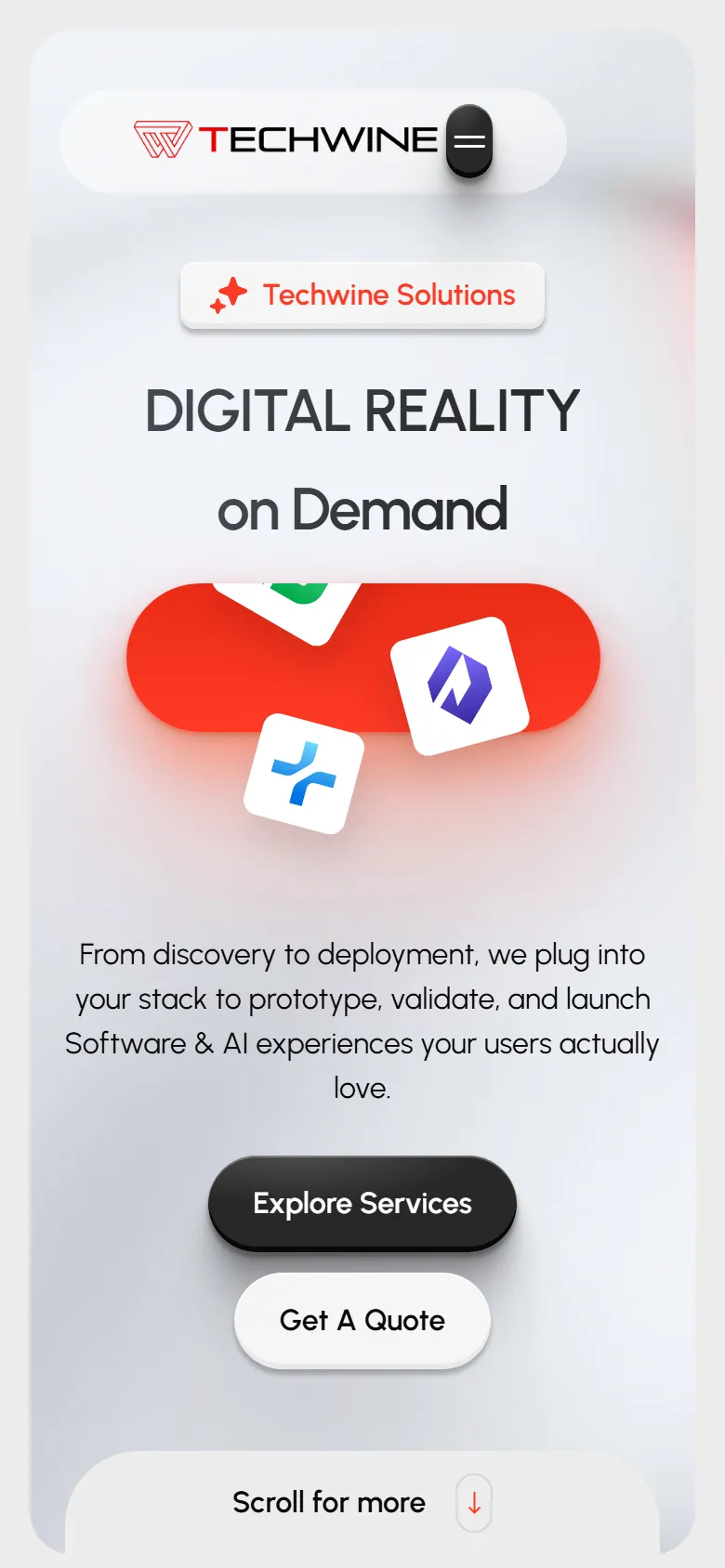
Techwine Solutions is my software and AI agency, and techwinesolutions.com is its public website. It presents the agency's services, case studies, process, tech stack and FAQs, and gives prospective clients a way to get in touch.
The visual design comes from a purchased HTML template. My work is everything behind it: I designed the content model, built the site as a Laravel 12 application with Livewire 3, and wrote a custom admin panel so services, case studies, contact details and SEO metadata can be changed without touching code.
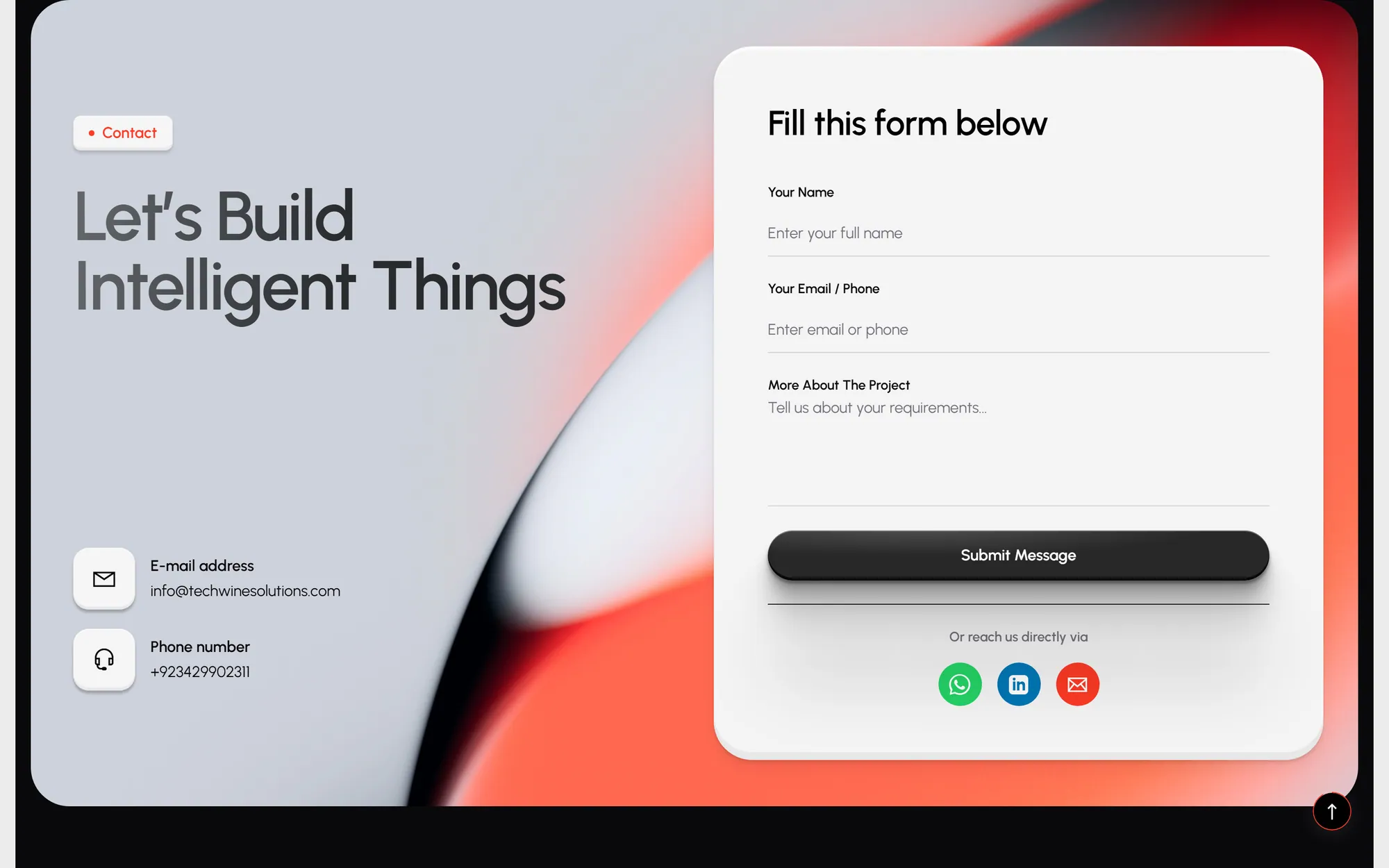
Contact form submissions are saved as leads in the database and emailed to the address held in the site settings, so each enquiry is kept in the admin panel as well as sent by email.
Built for: Startups and businesses looking for custom web apps, mobile apps, UI/UX, AI integrations or cloud work, and the agency admin who keeps the site up to date.
The problem
A purchased template gives you a good-looking static site, but every phone number, service description and case study is hardcoded in HTML. Updating the portfolio or fixing a contact detail means editing markup and redeploying.
I wanted to manage the agency's contact details, logo, services, case studies and SEO metadata from a dashboard. I also wanted a landing page for each service, case studies written as challenge, solution and result, and every contact request stored somewhere I could review it.
The solution
I wrote the database design first (ten content tables plus a pivot, with the reasoning for each column) and then implemented it as Laravel migrations. The template's static sections became Livewire components that read from those tables.
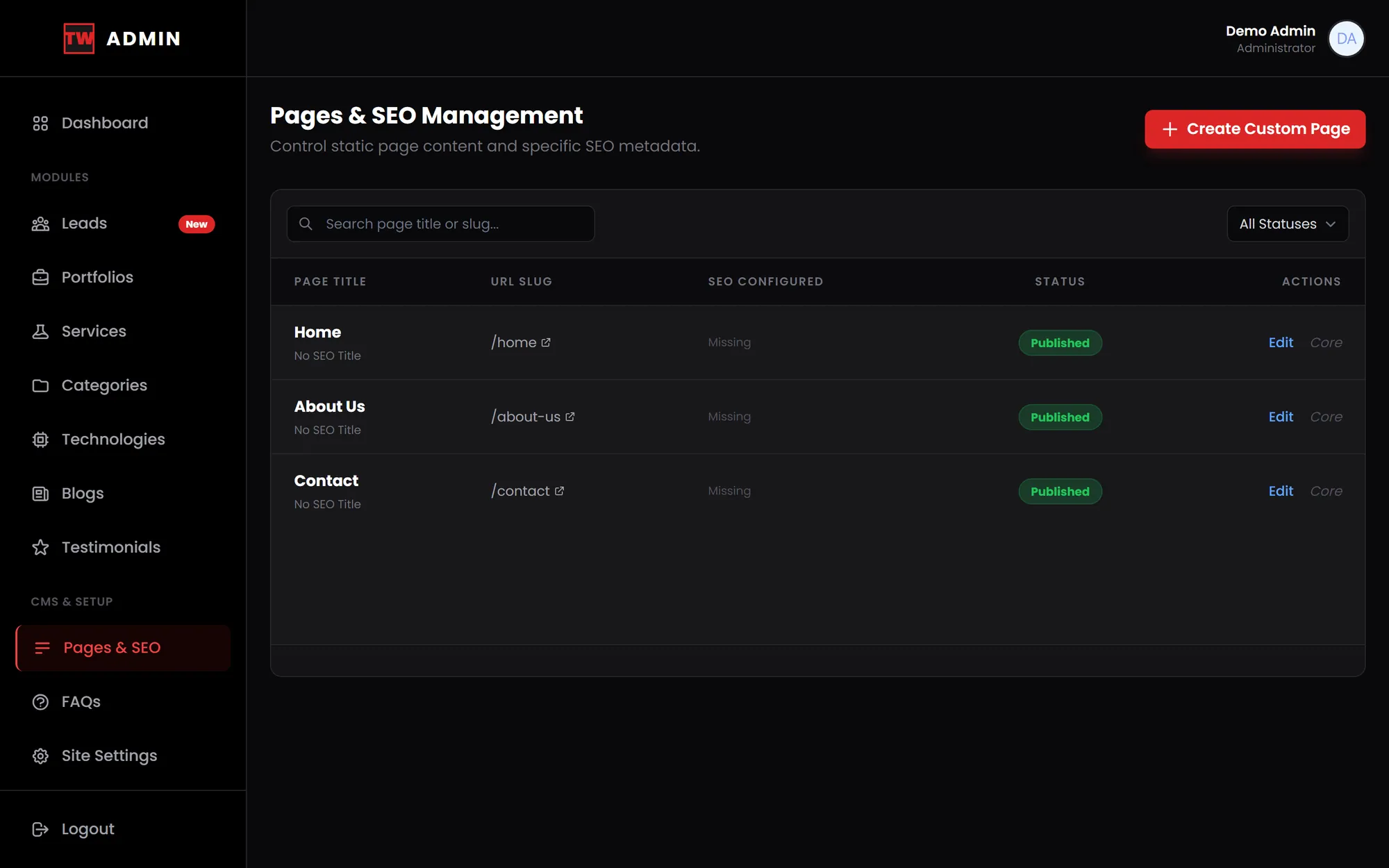
The admin side is a set of Livewire manager components with search, sorting, filters, pagination and file uploads, inside a dark red and black panel I built on Jetstream's Tailwind stack. Public pages use slug routes and a shared layout that outputs per-page titles, meta descriptions, canonical URLs and Open Graph tags.
Main features
Database-driven homepage
Featured services, featured case studies, the tech stack section, testimonials, FAQs and contact details are all loaded from the database, so the homepage changes when the content does.
Service landing pages
Each service has its own page at /services/{slug}. Process steps are stored as JSON and edited in the admin with a builder that adds and removes steps.
Case studies with galleries
Portfolio pages show the challenge, solution and results, a category, an image gallery and a related project, chosen from the same category first and at random otherwise.
Portfolio manager
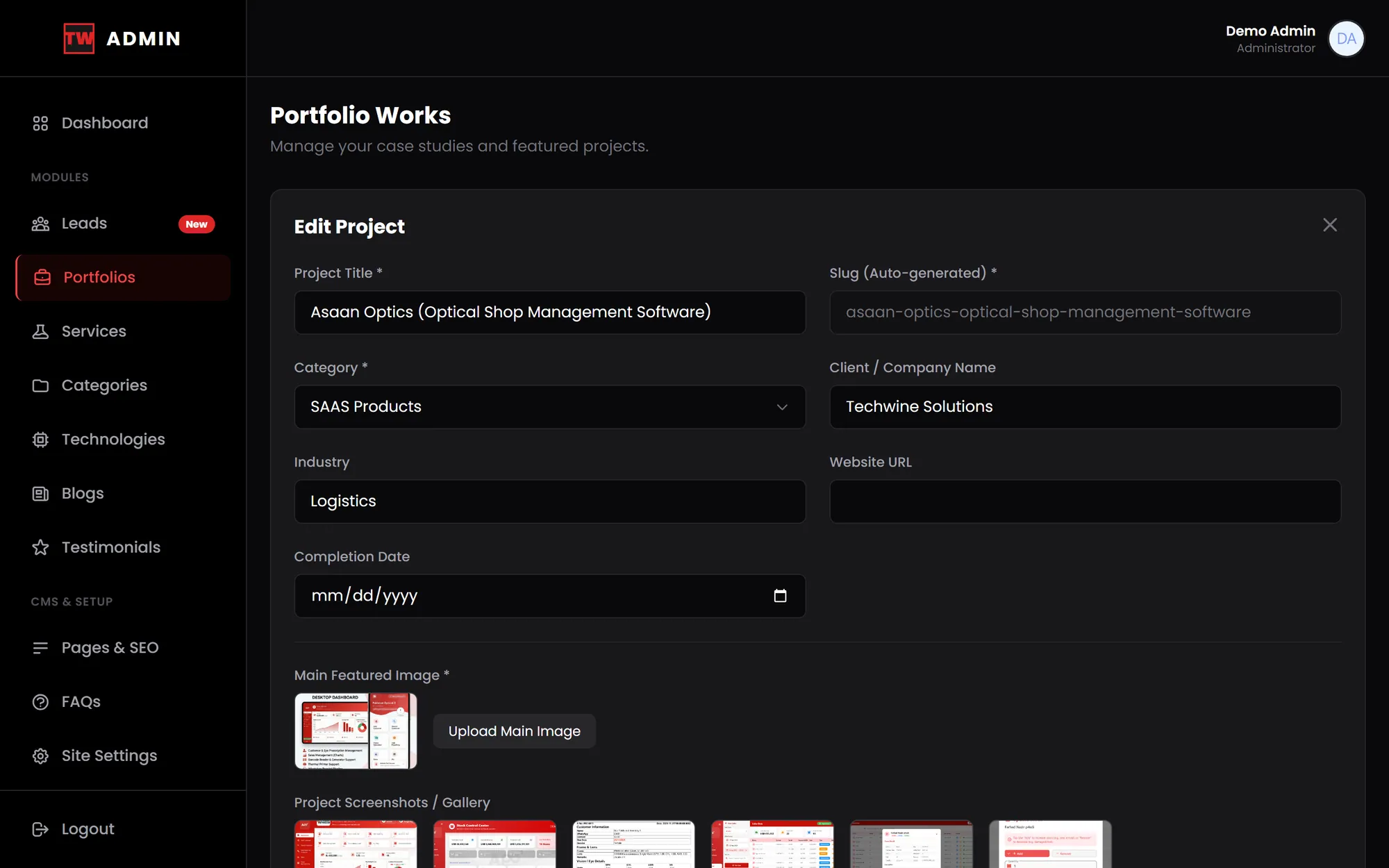
Search across title and client, filter by category, sort columns and page through results. Slugs are generated automatically, and gallery images can be uploaded in bulk and removed one by one, with the files cleaned up from storage.
Lead capture with email alerts
The contact form validates input, stores each enquiry as a new lead and sends a notification email to the primary address configured in site settings.
Global site settings
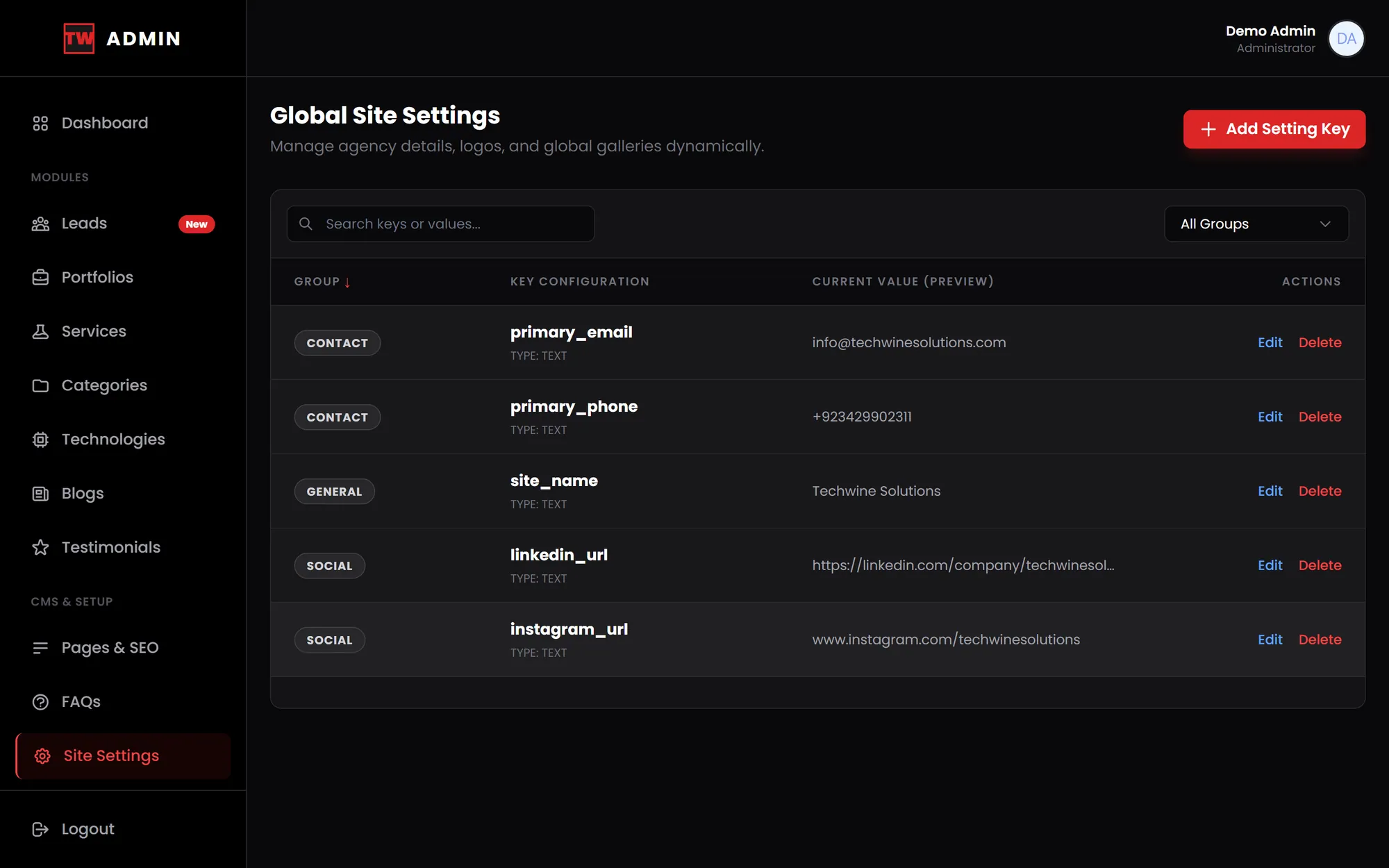
Contact, general and social details live in a grouped key-value table, and the navbar, footer and contact sections read from it across the whole site.
Pages and SEO module
Static pages carry a meta title, description, keywords, Open Graph image and a published or draft status. The site also has a sitemap and Google Search Console verification.
Content managers for every section
Separate admin modules handle blogs, technologies, categories, testimonials and FAQs, and a dashboard shows live counts of leads, case studies, services and articles.
Inside the product
Screens from the software itself. Design prototypes and illustrative mockups are labelled as such.
Development and architecture
The site is a server-rendered Laravel 12 monolith on PHP 8.2+. Livewire 3 full-page components power both the public site and the admin, so there is no separate JavaScript framework or API layer to maintain.
The public pages keep the template's own front-end assets (Bootstrap, GSAP and Swiper) for layout and animation. The admin uses Tailwind CSS built with Vite, with a custom sidebar layout. Authentication comes from Laravel Jetstream and Fortify, including two-factor support.
- Content model designed up front
- I documented the schema before writing code: site settings, pages, categories, services, portfolios, technologies, blogs, FAQs, testimonials and leads, with a pivot linking case studies to technologies.
- Shared categories table
- Case studies and blog posts use one categories table with a type column, which keeps the schema small without mixing the two lists in the admin.
- Key-value site settings
- Settings are key-value rows with group and type columns, so contact and social details are edited in one place in the admin and rendered across the site without code changes.
- JSON columns where structure is light
- Gallery images and service process steps are stored as JSON with Eloquent casts, which avoids extra tables for small ordered lists.
- Livewire CRUD managers
- Admin modules use debounced search, sortable columns, category filters that reset pagination, automatic slug generation and file uploads with temporary previews.
- Leads stored, then emailed
- Each enquiry is written to the database before a Laravel mailable is sent to the admin address resolved from settings at runtime, so the lead is already saved if the email step fails.
Technology
- Laravel
- PHP
- Livewire
- Laravel Jetstream
- Laravel Fortify
- Tailwind CSS
- Vite
- Bootstrap
- GSAP
- SQLite
Related projects
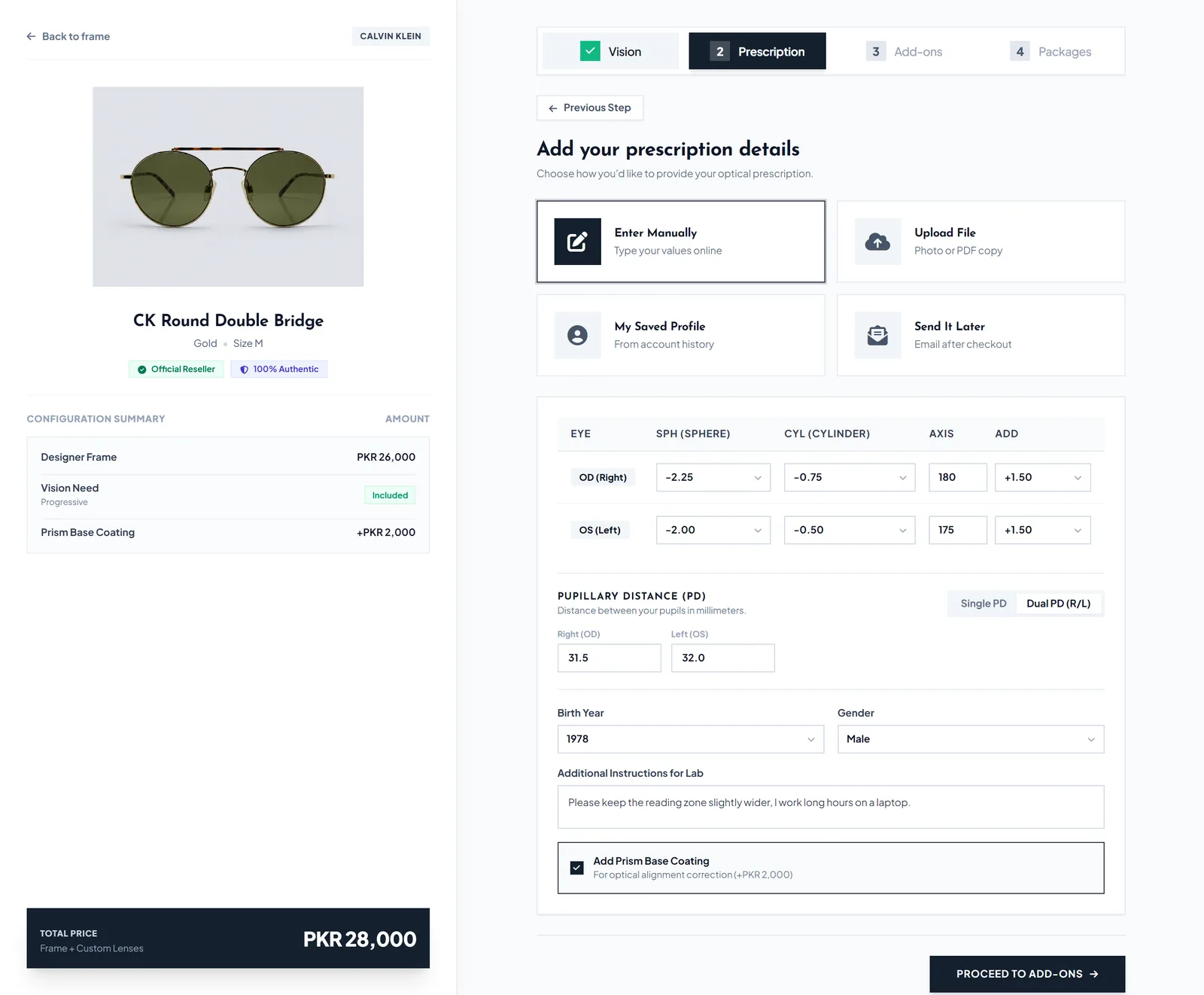
Eyewear e-commerce and store ERP
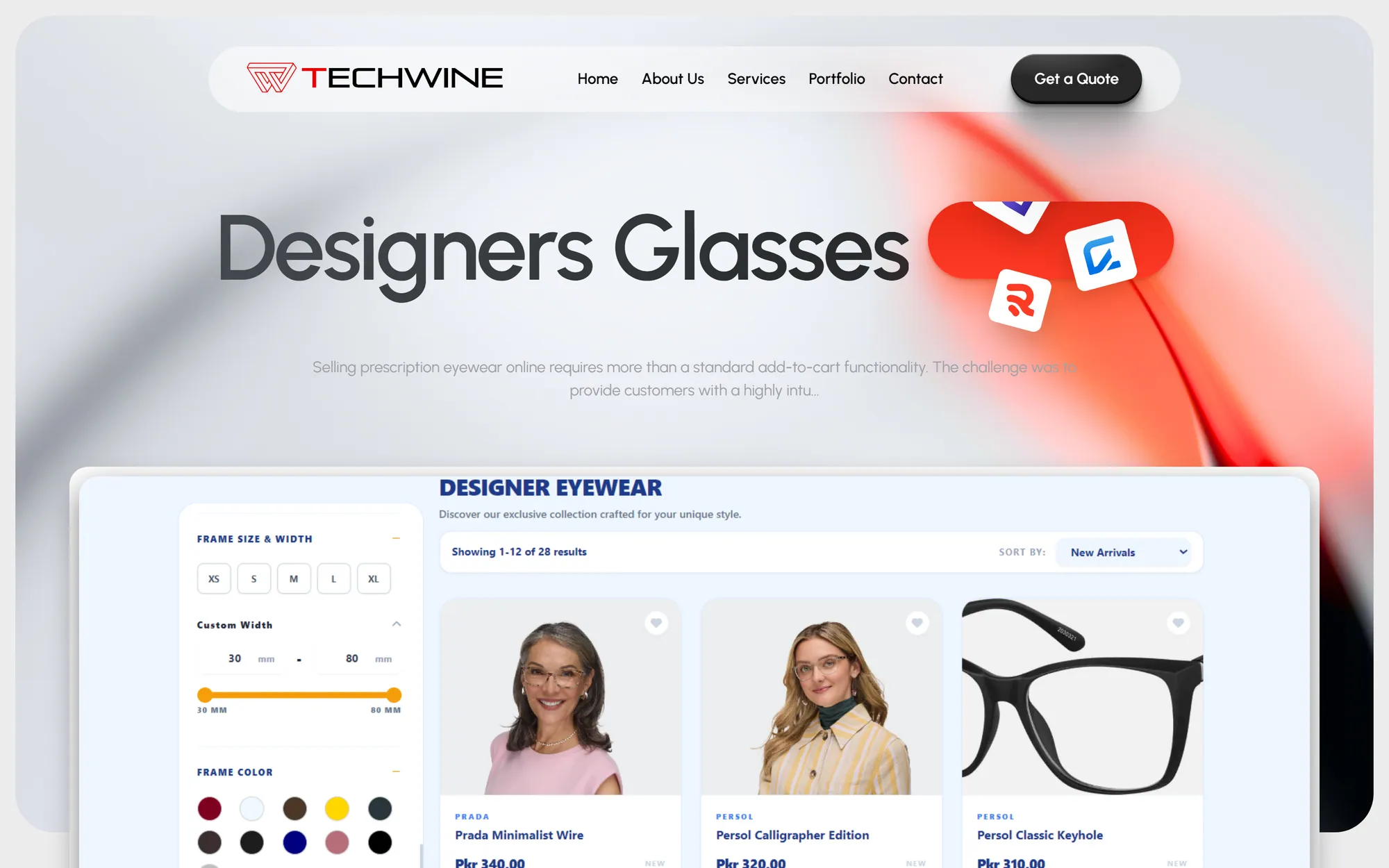
Designers Glasses
An online eyewear store with a step-by-step prescription lens configurator, contact lens shop and a full admin back office.
- Web application
- E-commerce
- Business system
ERP for software houses and agencies
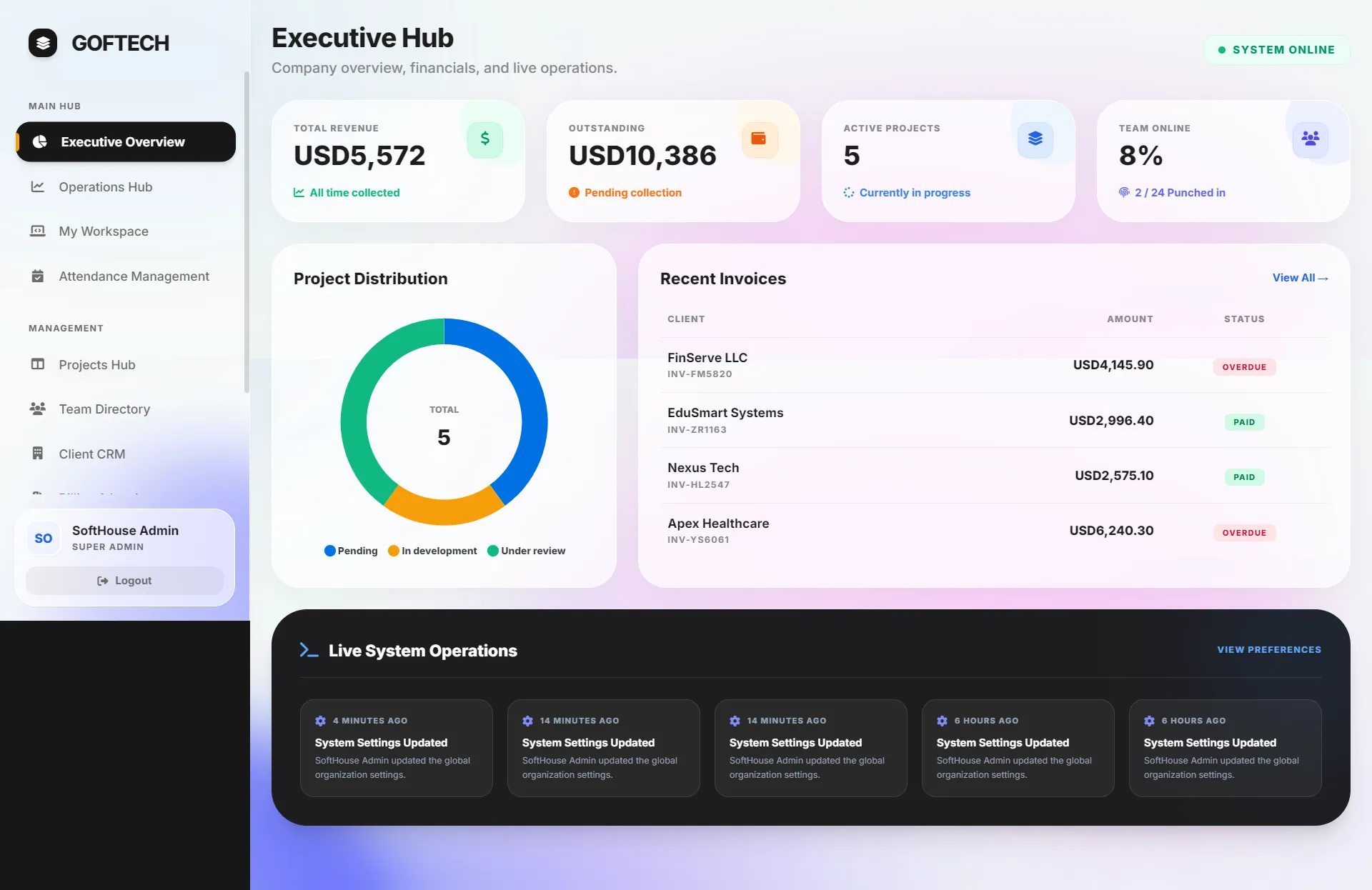
SoftHouse Pro ERP
A Laravel ERP that gives software houses one place for projects, attendance, performance scoring, invoicing and a client portal.
- Web application
- SaaS product
- Business system
Optical shop management SaaS
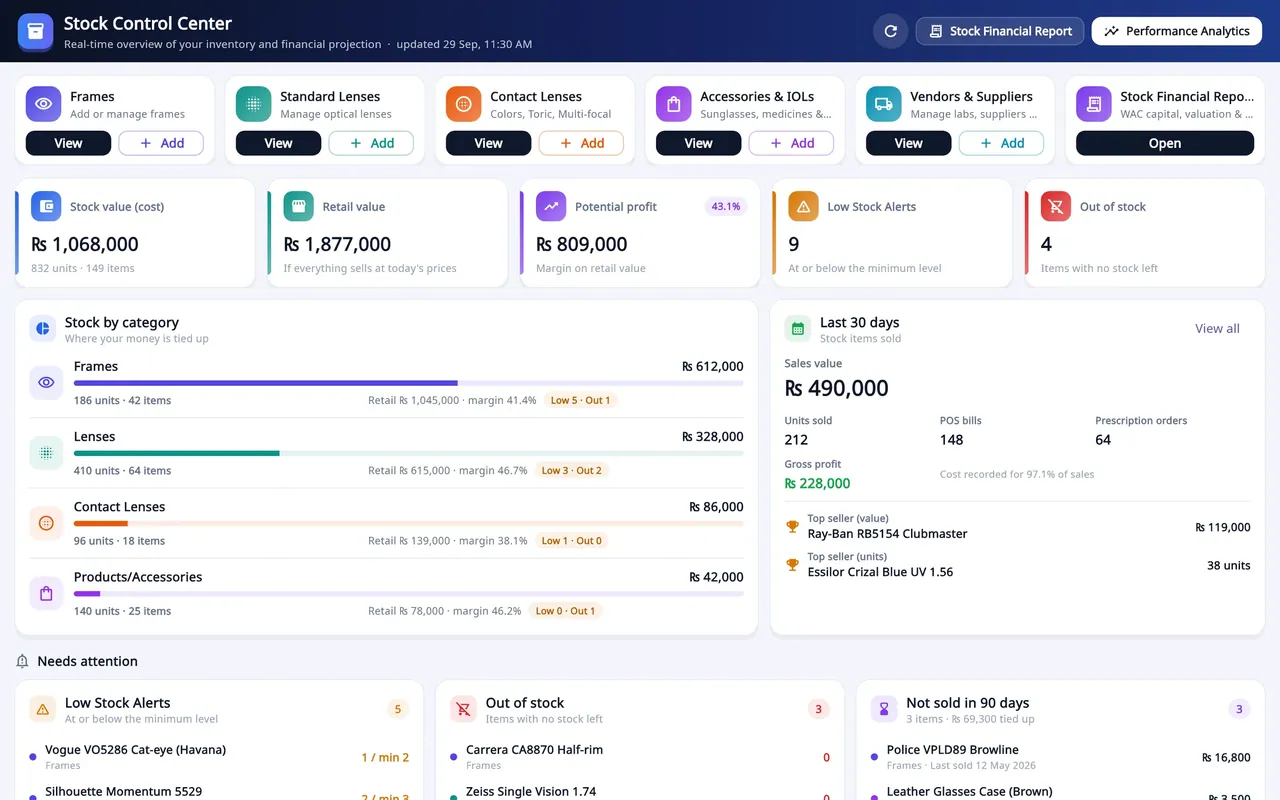
Asaan Optics
Optical shop software for Android and Windows: prescriptions, counter sales, stock and staff shifts on one shared shop account.
- SaaS product
- Mobile app
- Desktop app
- Business system
Have a software idea or a business process that needs a proper system?
Tell me what you are trying to fix. I will reply with honest questions, a practical plan and a realistic estimate.