
Rental property management desktop app
Asaan Rental Pro
An offline Windows desktop app for landlords to manage buildings, tenants, leases, monthly rent and maintenance in one place.
- Role
- Sole developer and designer
- Platforms
- Desktop (Windows)
- Status
- Released (v1.0.0)
- Timeline
- 2026
- Desktop app
- Business system
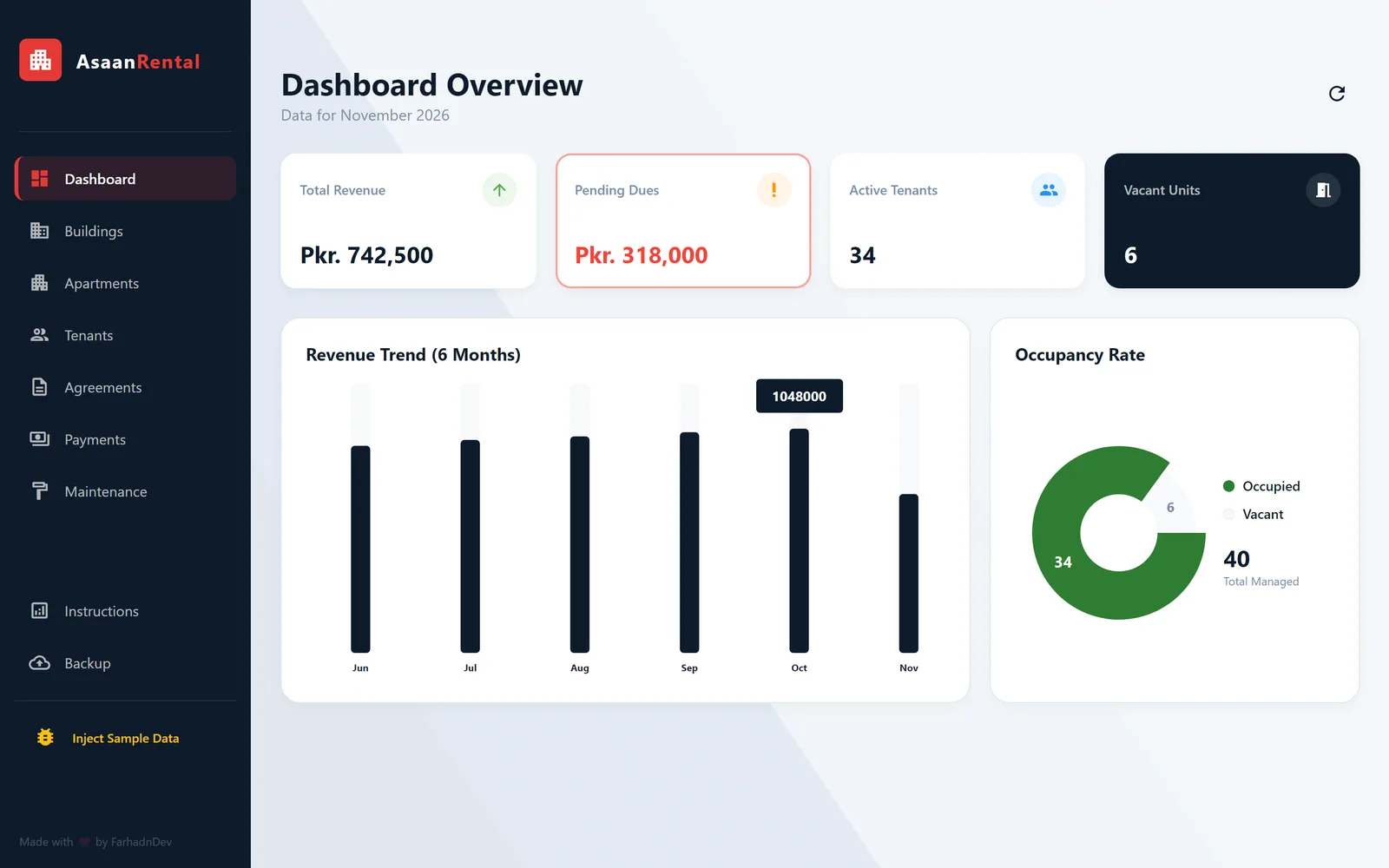 Recreated from source, demo data
Overview
Asaan Rental Pro is a Windows desktop application for property owners and managers who rent out apartments across one or more buildings. It keeps buildings, units, tenants, lease agreements, monthly rent payments and maintenance jobs together in a single app that runs entirely on the user's own computer.
I built it in Flutter as a native Windows product, with a local SQLite database, a PIN lock, local and Google Drive backups, and a branded installer. Version 1.0.0 is published as a public GitHub release with a Windows setup file of about 12 MB.
Built for: Small and medium landlords, property owners and real estate offices that manage several buildings and units.
The problem
Many landlords track units, tenants, contracts and monthly rent on paper or in spreadsheets. That makes simple questions hard to answer: who has not paid this month, which units are vacant, and when does a lease end.
Tenant documents such as ID card copies and signed agreements end up scattered across folders and phones, and a single lost file or failed hard drive can wipe out years of records.
The solution
I designed the app around the way a rental business works: add a building, add its units, register tenants, then create an agreement that links a tenant to a unit. From that point, rent is recorded month by month against the agreement, and the app works out who is still due.
Everything is stored locally, so the app works without an internet connection and the landlord keeps ownership of their data. To protect against data loss, the whole data folder (database and images) can be exported to any folder, and the app can back it up to the user's own Google Drive, including a silent automatic backup every hour while it is open.
Main features
Monthly dashboard
Cards for current-month revenue, pending dues, active tenants and vacant units, plus a six-month revenue chart and an occupancy chart.
Buildings and apartment units
Buildings with address and notes, and units with floor, monthly rent and status. Units can be filtered by building, searched by number and filtered by Available or Occupied.
Tenant directory with documents
Tenant profiles hold phone and WhatsApp numbers, CNIC number, email, family size, address, a profile photo and front and back ID card images.
Lease agreements
Each agreement links a tenant to a unit with start and end dates, monthly rent, security deposit, notes and an attached document. Creating or ending an agreement updates the unit's occupancy automatically.
Rent ledger with paid and due views
Payments are recorded per billing month with a method and proof image. A Paid History view has date filters and an on-screen receipt, and an Unpaid / Due view lists every active agreement without a payment for the selected month.
WhatsApp rent reminders
One click opens WhatsApp with a pre-filled reminder that includes the pending month and amount for that tenant.
Maintenance tracking
Maintenance jobs per apartment with category, cost, scheduled date and status, with search and pagination.
PIN lock
A 4-digit PIN is set on first run and required every time the app opens. It is stored as a SHA-256 hash, never as plain text.
Local and Google Drive backup
Export the full data folder to any location on the PC, or sign in with Google to upload a backup to a dedicated folder in the user's own Drive. An hourly automatic backup runs in the background once the user is signed in.
Built-in guide and demo data
An instructions screen walks new users through the Buildings, Apartments, Tenants, Agreements and Payments flow, and a sample data option fills the app for demos.
Inside the product
Screens marked "recreated from source" were rebuilt from the app's code with demo data, so no client data is shown. The rest are from the software itself.
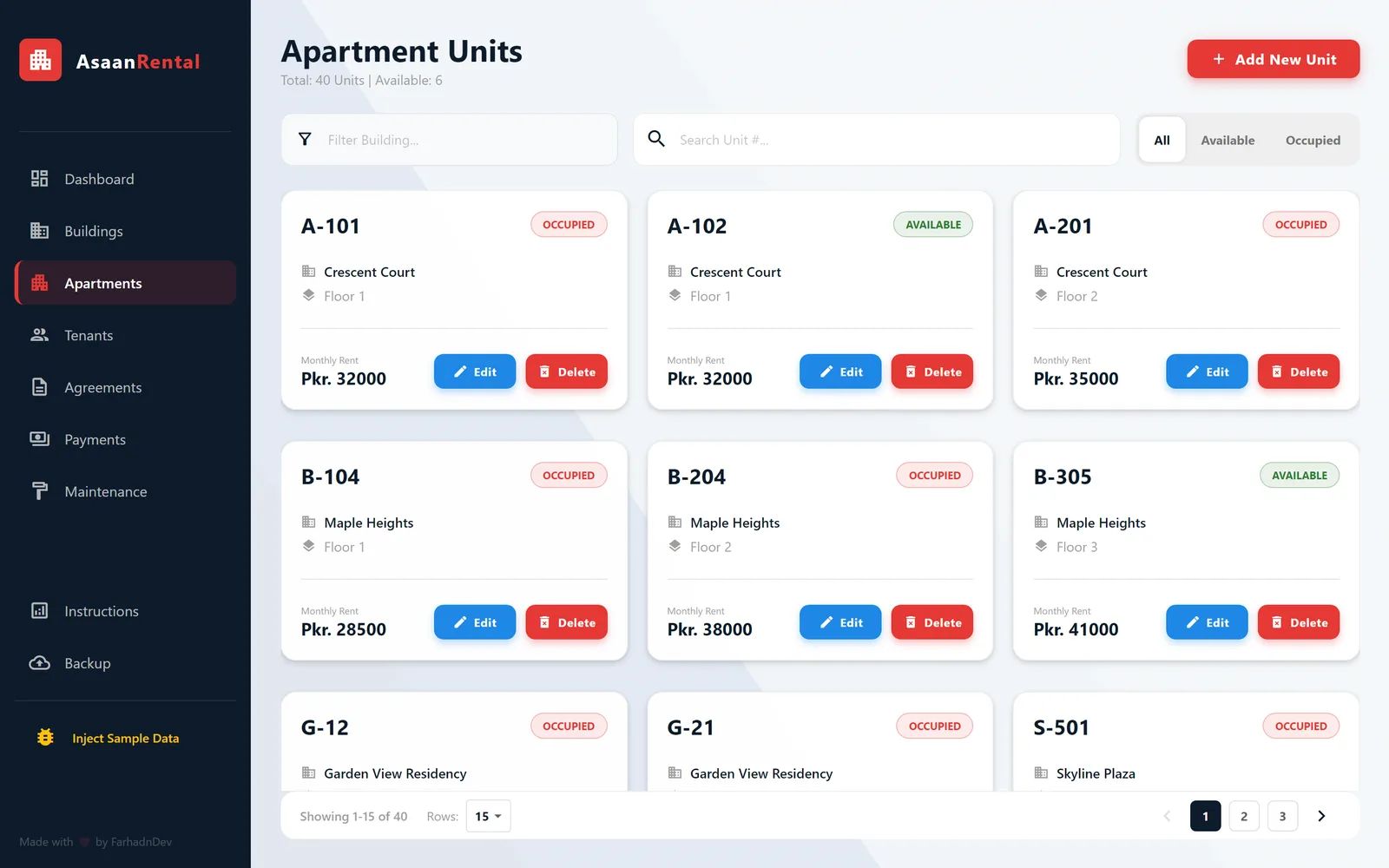 Recreated from source, demo data
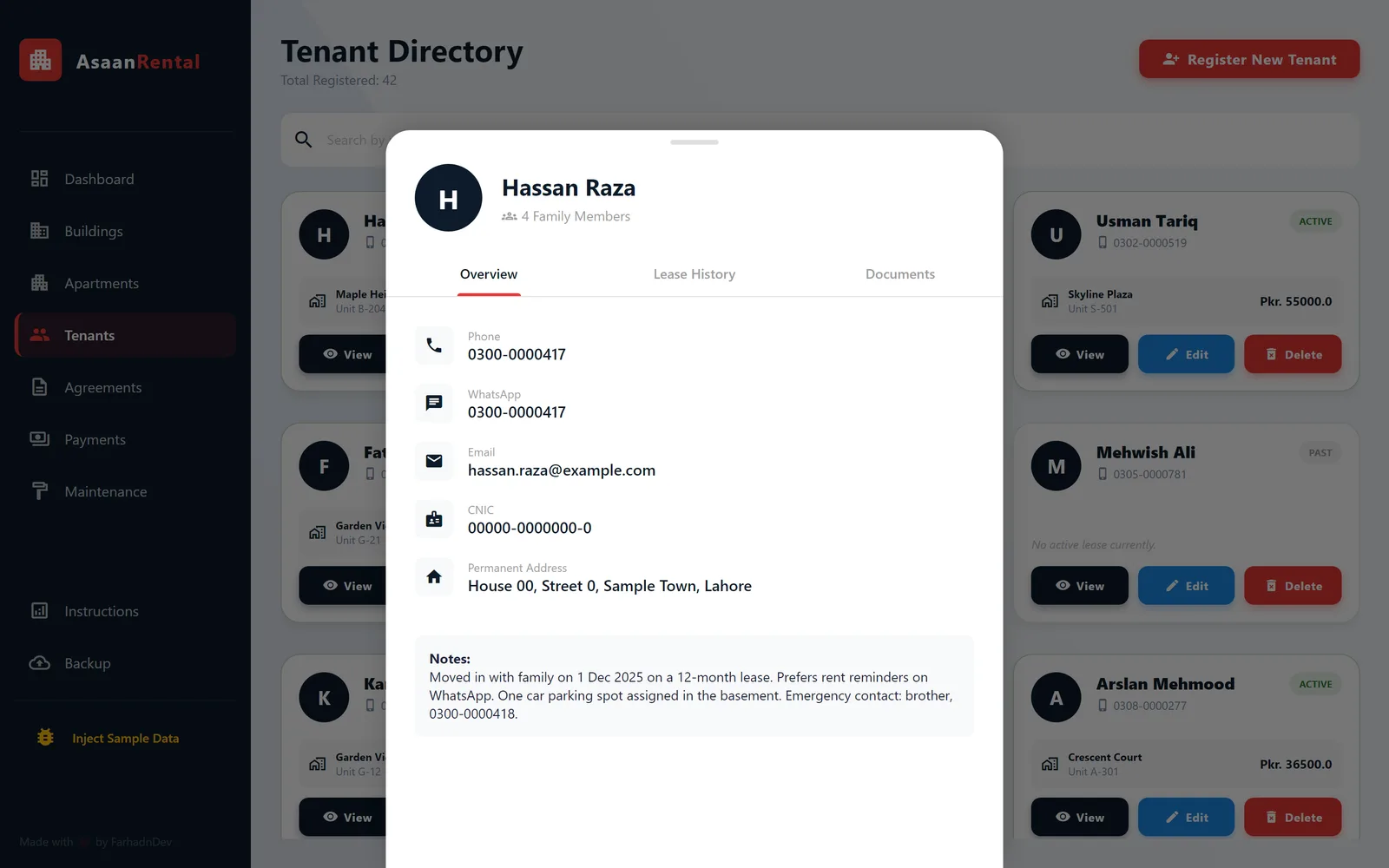 Recreated from source, demo data
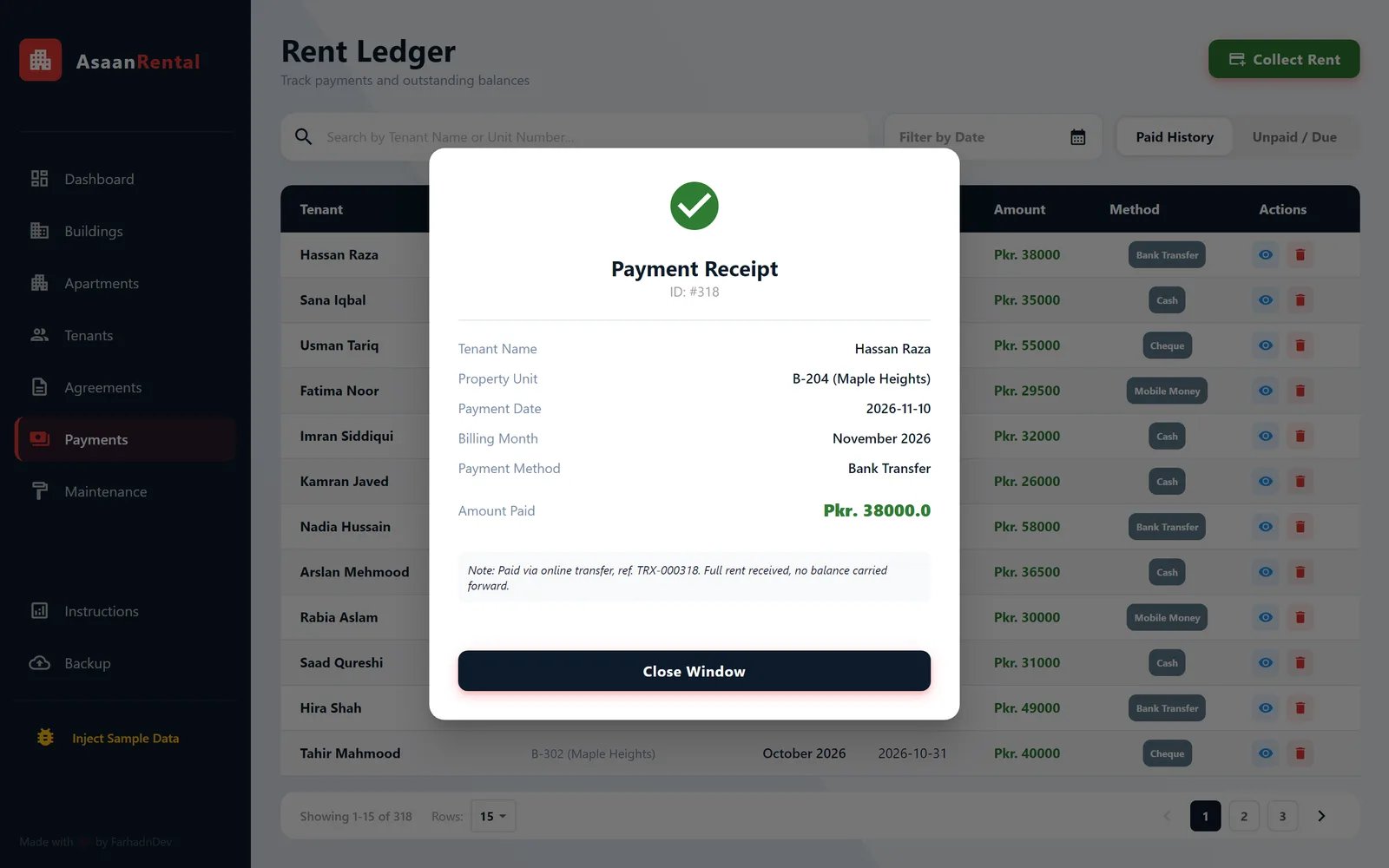 Recreated from source, demo data
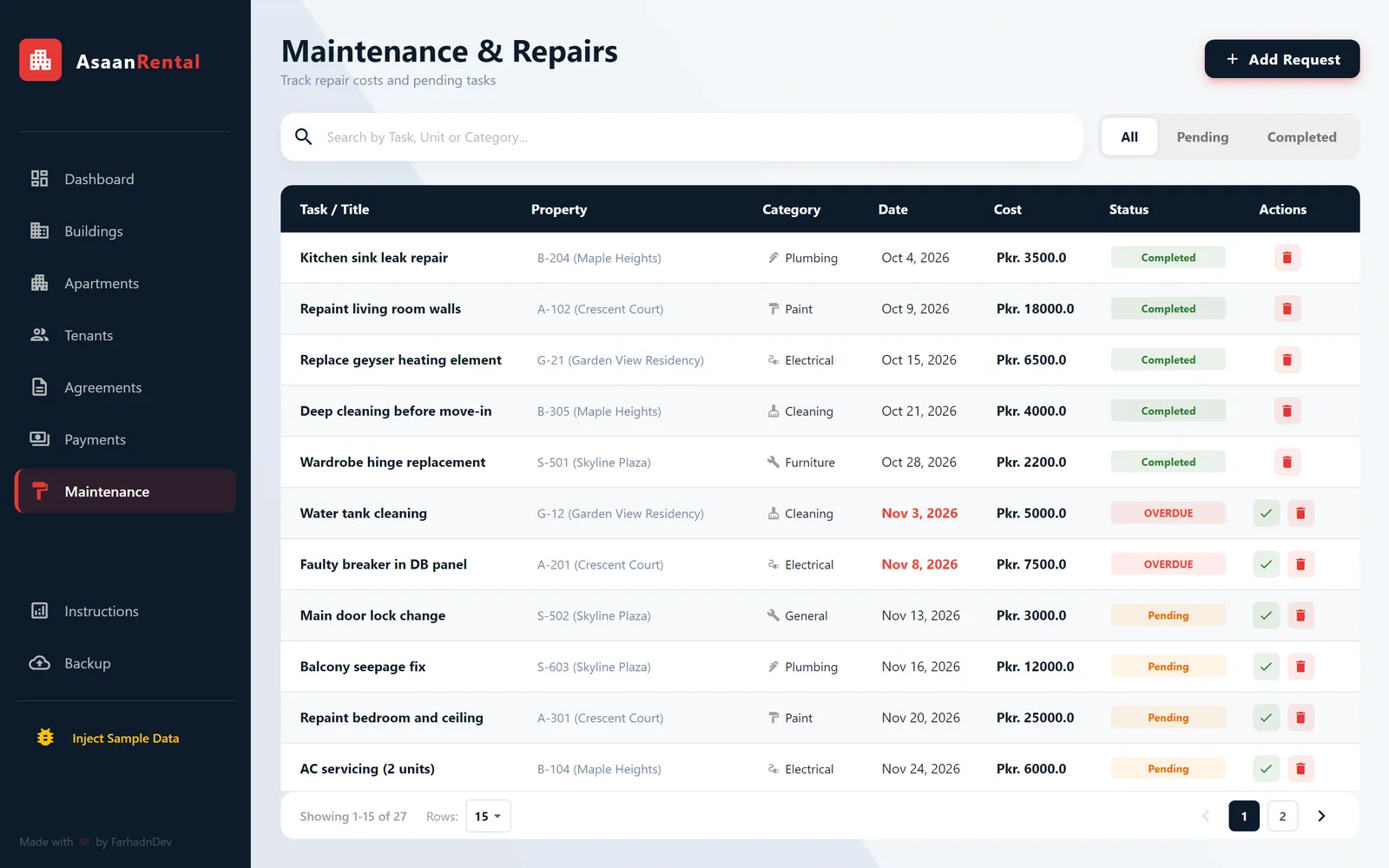 Recreated from source, demo data
Development and architecture
The app is a single-process Flutter application for Windows with no server. The code is split into three layers: core (theme, shared widgets and navigation), data (the SQLite helper, models and service classes) and features, with one folder per module. A side navigation shell switches between modules using Provider for navigation state.
Business logic lives in Dart service classes that run SQL directly against a local SQLite database through the FFI driver for desktop. The schema has eight tables (settings, buildings, apartments, tenants, agreements, rent payments, expenses and maintenance) with foreign keys and cascading deletes. Charts are drawn with fl_chart, and the release build is packaged with Inno Setup.
- Offline-first storage
- I chose SQLite through sqflite_common_ffi so all data lives in a single file in the user's Documents folder. The app needs no account, server or connection to work day to day.
- Consistent occupancy
- Creating or ending an agreement and updating the unit's Occupied or Available status happen in the same database transaction, so the unit list and agreements cannot drift out of sync.
- Dues calculated in SQL
- Outstanding rent is found with a query that selects active agreements with no payment recorded for a given billing month. The same logic drives the dashboard's pending dues card and the Unpaid / Due ledger.
- Self-contained backups
- Uploaded images (profile photos, ID cards, agreement documents and payment proofs) are copied into the app's data folder with timestamped names, so a backup of that one folder contains everything.
- Google Drive auto-backup
- Drive backup uses Google OAuth with the limited drive.file scope. The data folder is zipped and a single backup file is overwritten to avoid clutter, and a background timer runs a silent backup every hour, skipping quietly when the user is offline or not signed in.
- Secrets kept out of source
- OAuth client credentials are loaded from an environment file rather than written into the code, and the stored sign-in token is excluded from the backup archive.
- Packaged as a real Windows product
- An Inno Setup script builds a branded, per-user installer with an optional desktop shortcut and a custom app icon, published as a GitHub release.
Technology
- Flutter
- Dart
- SQLite
- Google Drive API
- Provider
- fl_chart
- Inno Setup
- Windows
Related projects
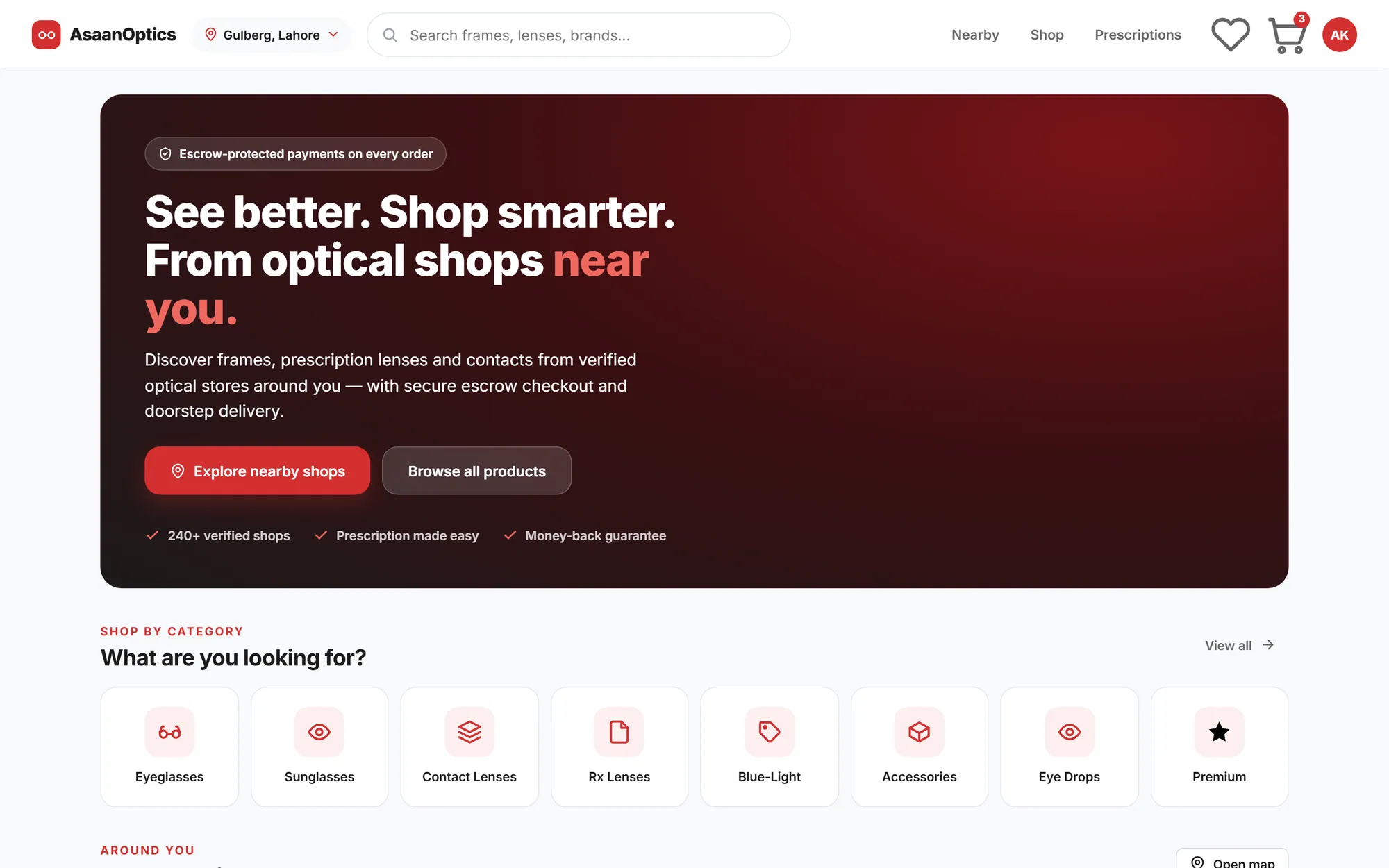
Multi-vendor optical marketplace
AsaanOptics Marketplace
A multi-vendor marketplace for optical shops in Pakistan, with prescription ordering, nearby search and escrow-style checkout, currently in development.
- Web application
- E-commerce
- SaaS product
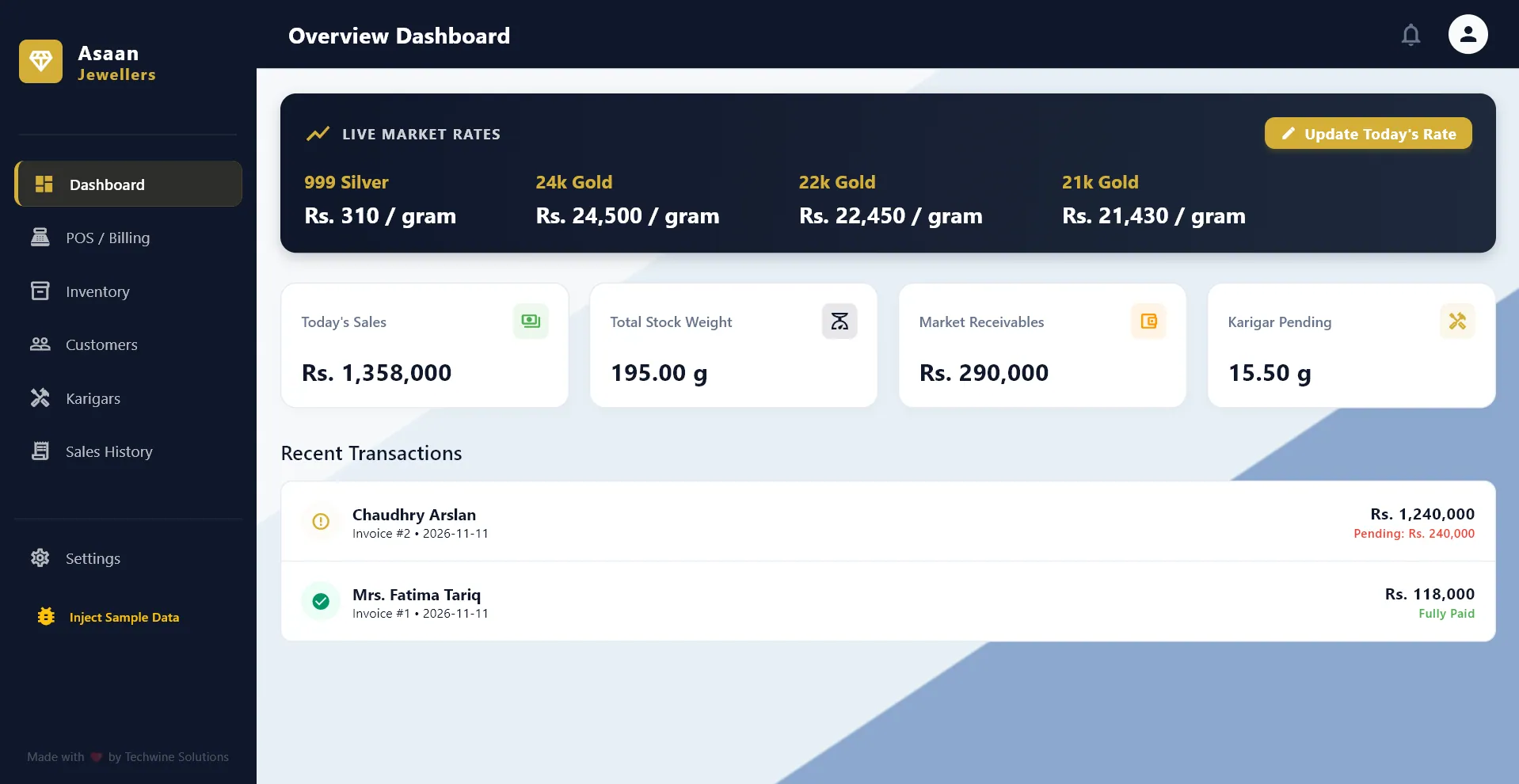
Jewelry shop POS and ledger
Asaan Jewellers POS
An offline Windows POS and ledger for gold jewelers, with daily metal rates, old-gold exchange, customer credit and artisan tracking.
- Desktop app
- Business system
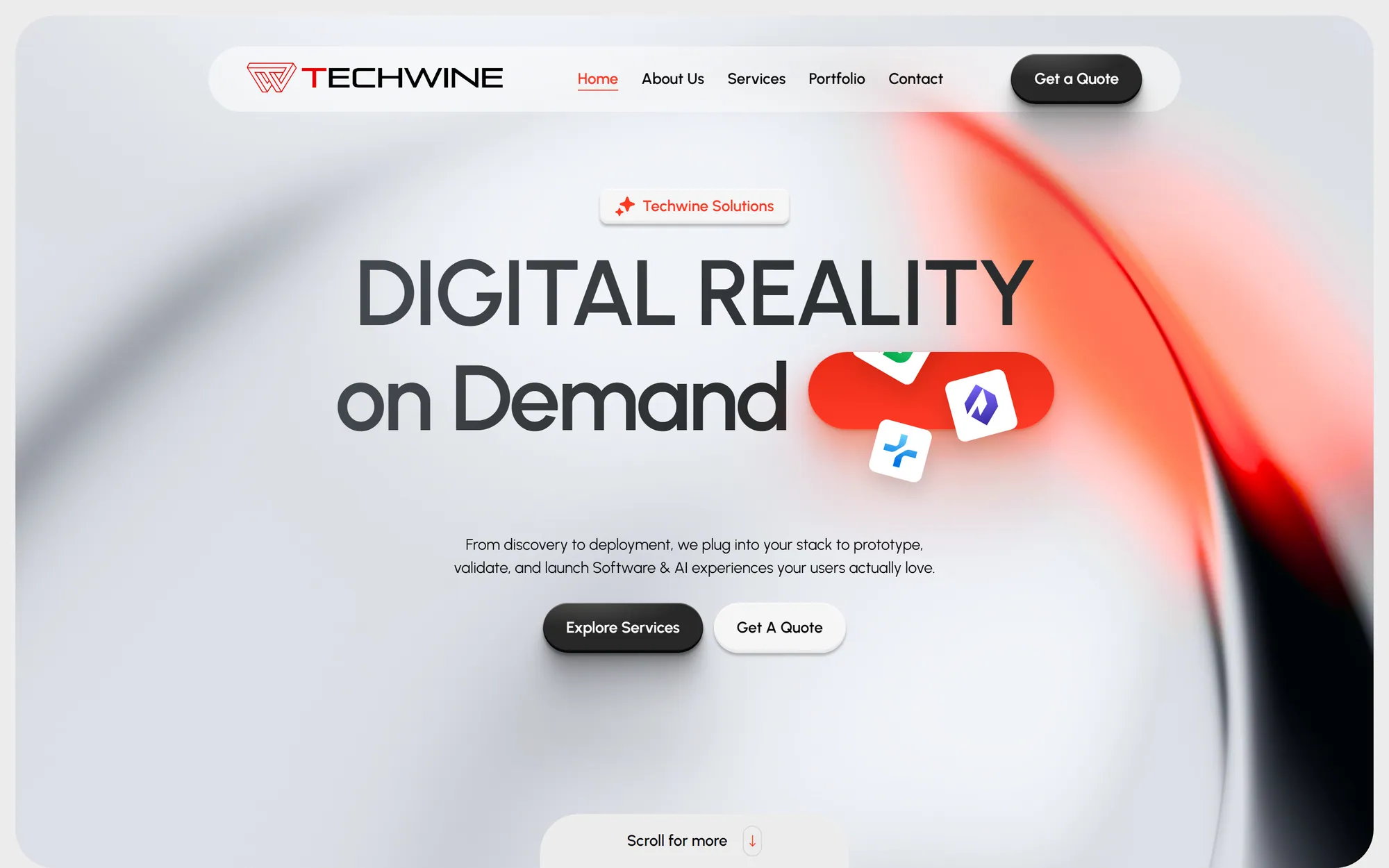
Agency website and custom CMS
Techwine Solutions
The website of my software agency, backed by a custom Laravel and Livewire CMS for services, case studies, SEO and leads.
- Web application
- Business system
Have a software idea or a business process that needs a proper system?
Tell me what you are trying to fix. I will reply with honest questions, a practical plan and a realistic estimate.